The top procure-to-pay software solutions for 2026 are: 1. Bluecopa 2. SAP Ariba 3. Coupa 4. Procurify 5. Precoro 6. Tipalti and 7. Basware.
Procure-to-pay (P2P) software automates the full purchasing lifecycle from raising a purchase requisition through approval, purchase order, receiving, invoice matching, and final payment. For finance and procurement leaders, the goal isn't just digitizing paperwork; it's closing the loop between what was ordered, what was received, and what gets paid, without duplicate payments, mismatched invoices, or a month end scramble to explain where the cash went.
That loop has gotten harder to manage as transaction volumes grow across more vendors, entities, and ERPs. Manual three-way matching (invoice, PO, and goods receipt) doesn't scale past a certain volume, and legacy rule-based systems tend to break down the moment a vendor changes an invoice format or a new entity gets added after an acquisition. That pushed AI-native matching, real-time exception handling, and reconciliation-aware AP automation to the top of most finance leaders' shortlists in 2026.
This guide compares the seven procure-to-pay platforms most worth evaluating this year, based on their own published capabilities and real user feedback on G2 and Capterra
Which Procure-to-Pay Software Is Right for Your Business?
What Is Procure-to-Pay Software?
Procure-to-pay (P2P) software is a category of finance and procurement technology that automates the entire purchasing cycle from the moment a purchase is requested to the moment the vendor is paid. Instead of routing requisitions through email, tracking purchase orders in spreadsheets, and matching invoices by hand, a P2P platform connects every stage of the process into a single, auditable workflow.
A typical procure-to-pay cycle runs through these stages:
- Requisition: an employee or department requests a purchase.
- Approval routing: the request is routed to the right approver(s) based on budget, category, or spend threshold.
- Purchase order (PO) creation: an approved requisition becomes a formal PO sent to the vendor.
- Receiving (GRN): goods or services are received and logged, generating a goods receipt note.
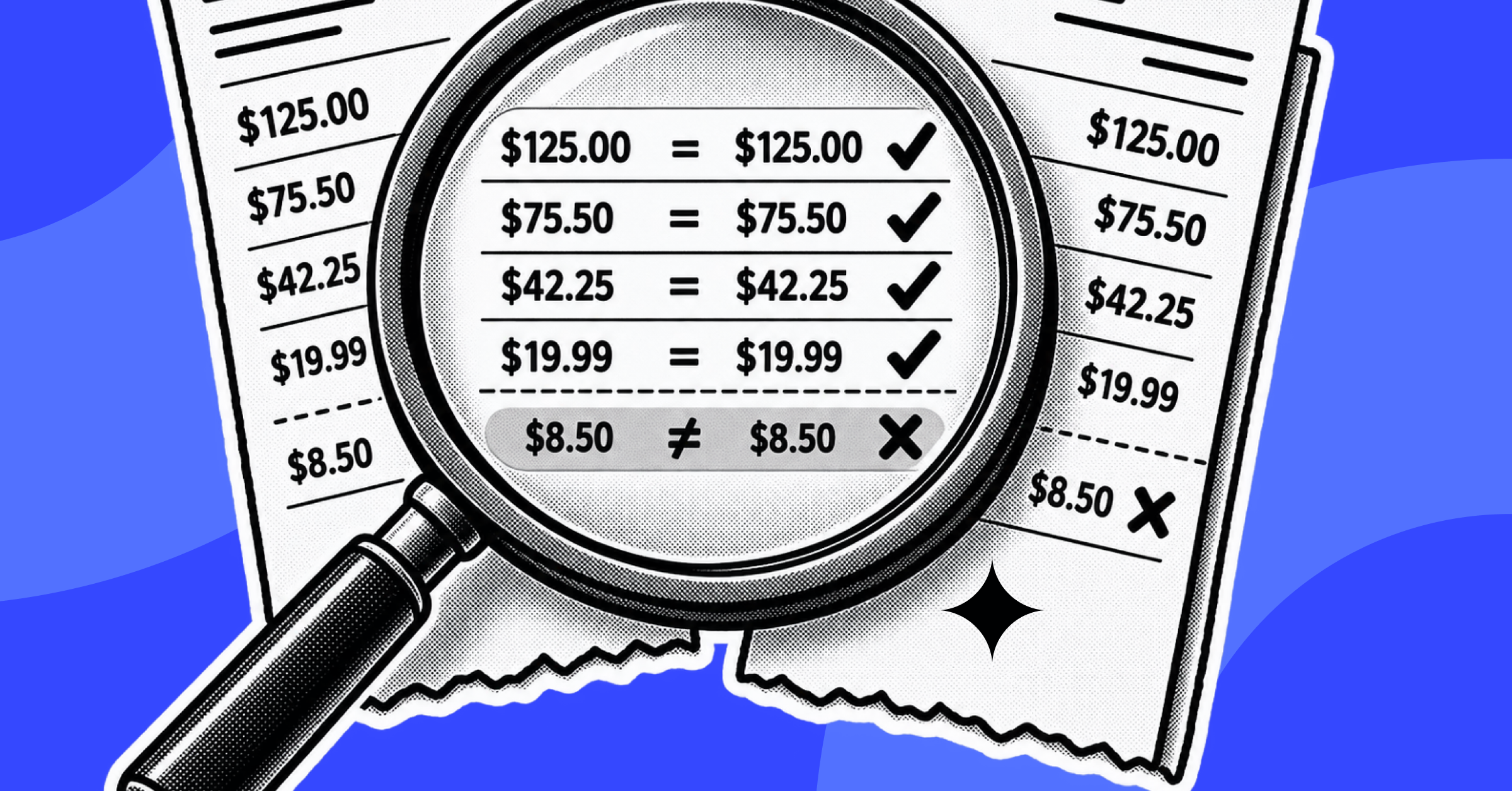
- Invoice matching: the vendor invoice is matched against the PO and GRN (a "three-way match") to confirm everything lines up before payment.
- Payment: the vendor is paid according to agreed terms, ideally timed to protect working capital.
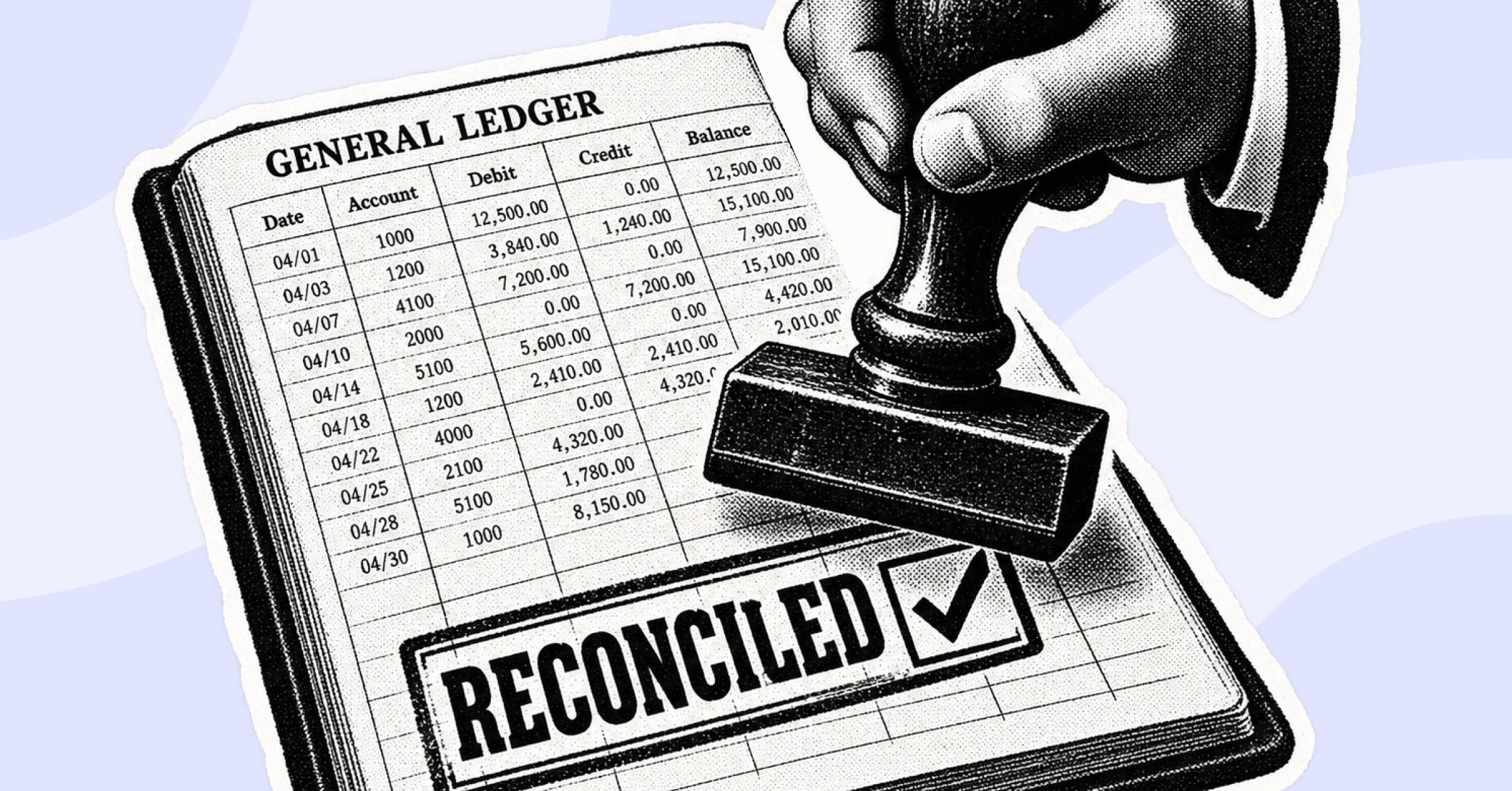
- Reconciliation and reporting: the transaction is reconciled against the ledger and made available for audit.
Modern P2P platforms increasingly use AI to automate the matching and exception-handling steps in particular, since that's traditionally where most of the manual effort and the risk of duplicate or fraudulent payments has piled up.
Why Procure to Pay Automation Matters in 2026
Manually managing procure-to-pay at any real transaction volume creates a predictable set of problems: duplicate invoice payments, delayed approvals that frustrate vendors, no visibility into committed spend until it hits the ledger, and a scramble at month-end to reconcile purchase orders against what actually got paid.
Automating procure-to-pay directly addresses these issues:
- Fewer duplicate and erroneous payments through automated 3-way matching and fraud/duplicate detection.
- Faster approval cycles through rules-based or AI-driven routing instead of email chains.
- Better working capital management through visibility into committed (not just booked) spend and smarter payment scheduling against vendor terms.
- Audit-ready records through digital trails that connect every requisition to its PO, receipt, invoice, and payment.
- Less manual reconciliation work for finance teams, since matched, exception-free transactions flow straight into the ledger instead of requiring manual review.
The organizations getting the most value from procure-to-pay automation in 2026 tend to be the ones connecting it to their broader finance operations reconciliation, close, and reporting rather than treating it as an isolated procurement tool.
How We Ranked These Procure to Pay Software Solutions
Rather than repeating how other vendor blogs rank themselves, we built this list from two independent sources of truth:
- What each vendor states about its own product, pulled directly from its official website (features, integrations, target customer, and published pricing where available).
- What real users report, pulled from verified pros/cons and star ratings on G2, Gartner and Capterra.
We then weighed those two inputs against company-size fit, since a platform that's excellent for a 40-person team can be the wrong choice for a 5,000-person global enterprise, and vice versa.
Evaluation Criteria
Top Procure to Pay Platforms: Side-by-Side Quick Comparison
Ratings reflect G2 research conducted in July 2026
7 Best Procure to Pay Software Solutions to Consider in 2026
1. SAP Ariba
Best For: Large global enterprises that need deep strategic sourcing and a massive supplier network alongside procure-to-pay automation.
Overview
SAP Ariba sits within SAP's "Autonomous Spend Management" portfolio, described on SAP's site as "AI-enhanced procurement that brings speed, intelligence, and scalability together in an integrated source-to-pay suite." It spans the full lifecycle from strategic sourcing and contracts through procure-to-pay execution, backed by the Ariba Network of suppliers.
Key Features
- Five named AI assistants Buying, Supplier Management, Category Management, Travel, and Sourcing assistants.
- Source-to-contract capabilities alongside procure-to-pay automation.
- Supplier lifecycle management across onboarding, performance, and risk.
- Real-time compliance and audit tracking.
- Policy-driven procurement processes with governance controls.
Integrations: Deep connectivity within the SAP ecosystem (SAP Business Network, S/4HANA); the vendor's own site does not name non-SAP ERPs on its spend-management pages.
Pros
- Massive supplier network the Ariba Network is cited at 5+ million suppliers, a scale few competitors can match.
- Strong compliance and audit trail, well suited to regulated large enterprises.
- Deep SAP ERP integration for organizations already running SAP/S4HANA.
- Handles high-volume, complex vendor and contract data at enterprise scale.
Cons
- Steep learning curve; reviewers describe onboarding as difficult, with one Capterra review noting "absolutely nothing is intuitive out of the box."
- Dated, unintuitive UI compared to modern SaaS procurement tools.
- High implementation and customization cost.
- Slow, clunky invoice entry and weak bulk-upload/mass-operations support.
Pricing: Not published; custom enterprise pricing via SAP sales.
Source: G2 - SAP Ariba (4.1/5, 700+ reviews) · Capterra - SAP Ariba (3.8/5, 88 reviews), as of July 2026 research.
2. Coupa
Best For: Enterprises that want a unified, modern Business Spend Management suite spanning sourcing through payment.
Overview
Coupa is a long-established Business Spend Management (BSM) platform covering sourcing, procurement, invoicing, expenses, and payments in a single suite, aimed primarily at large enterprises consolidating spend visibility across the organization.
Key Features
- Unified sourcing, procurement, and invoicing workflows within one platform.
- Configurable approval and spend-control workflows.
- Centralized spend visibility and reporting across business units.
Pros
- Relatively easy to use and configure reviewers describe it as more intuitive than some legacy S2P suites, with quick onboarding.
- Highly configurable to specific business workflows.
- Strong platform stability, with reviewers reporting no major reported downtime.
- Centralizes spend management with full visibility and automated reporting.
Cons
- Outdated graphics and complicated reporting UI in places, per reviewer feedback.
- Difficult navigation for some users, who report preferring alternate views.
- Supplier/vendor portal is hard to navigate, which reviewers say leads to invoice errors on the vendor side.
Pricing: Not published; custom enterprise pricing.
Source: G2 review
3. Bluecopa
Best For: Mid-market to enterprise finance teams that want AI-native accounts payable automation built into a broader reconciliation and finance-operations platform, rather than a standalone procurement point tool.
Overview
Bluecopa's Procure to Pay is a unified finance operations platform built around what it calls its "SamyxAI" AI foundation. Its Procure-to-Pay module positioned on its site as helping teams "maximise cashflow with smart AP operations" automates invoice capture, validation, three-way matching, approvals, and payment scheduling, then ties that data directly into reconciliation and close instead of leaving it in a separate procurement silo.
Key Features
- AI-native invoice capture and validation with automated data extraction, rules-based exception flagging, and duplicate/fraud detection.
- Three-way matching (invoice, PO, GRN) with vendor and GRN reconciliation feeding directly into the broader reconciliation engine.
- Configurable approval workflows and dynamic payment scheduling based on vendor terms and real-time liquidity.
- Automatic journal entry creation, GL posting, and digital audit trails for end-to-end traceability.
Integrations: SAP, NetSuite, Xero, Zoho Books, QuickBooks, and Sage Intacct for ERP/accounting, plus BI tools (Tableau, Looker, Power BI), payment platforms, and 200+ additional connectors.
Pros
- AI-native matching that reduces manual reconciliation work reviewers cite significant time savings from automation and RPA on tasks that used to mean combing through spreadsheets by hand.
- Unifies multiple finance functions on one platform G2 reviewers specifically call out using it across AP, AR, Operations, Controllership, and FP&A rather than juggling separate tools per team.
- Frees up time for strategic work rather than manual data-wrangling, per reviewer feedback.
Cons
- No dedicated strategic-sourcing or RFP module Bluecopa's own site does not list upstream sourcing/supplier-bidding capability, so organizations that need a full source-to-pay suite (not just AP-to-pay automation) will want to pair it with a sourcing tool or look at SAP Ariba/Coupa instead.
- Custom pricing only no published rate card, so cost isn't visible without a sales conversation.
- Smaller review base than long-established incumbents as a newer platform, its G2 review count is thinner than 10+ year players like SAP Ariba or Coupa, so the sample size is smaller even though sentiment is strongly positive.
Pricing: Custom subscription pricing based on transaction volume, team size, and modules selected. Source: Bluecopa - Book a demo.
G2 review:
Source G2 review
4. Procurify
Best For: Mid-market teams that want a fast-to-adopt, intake-to-pay procurement platform without the overhead of deep strategic sourcing.
Overview
Procurify positions itself as "AI Procurement for Total Spend Control" an agentic, intake-to-pay platform covering everything from purchase requests through approvals, purchase orders, invoice matching, and payment. Its own site states it's "Ranked #1 Mid-Market Procure-to-Pay Software" per G2's Summer 2026 grid.
Key Features
- Intake-to-Approve structured request workflows with approval routing.
- Purchase-to-Receive PO creation and tracking.
- Invoice-to-Pay automated three-way invoice matching and payment automation.
- Expense management with spend cards and receipt capture.
- Budget management and spend analytics with pre-built reports.
- AI agents for drafting requests and coding invoices.
Integrations: NetSuite, QuickBooks Online, Sage Intacct, Microsoft Dynamics 365 Business Central, plus retail punchouts (Amazon Business, Staples, ZAGENO).
Pros
- Quick, intuitive interface reviewers say teams learn the platform within a day.
- Strong customer support, reflected in a G2 Quality of Support score of 9.2.
- Full requisition-to-PO-to-tracking workflow improves accountability across the org.
- Accessible to non-procurement staff, not just finance teams.
Cons
- Limited data integrity/reporting tooling, per reviewer feedback.
- Difficult to configure initially.
- No way to delete recurring orders, cluttering the dashboard, per a Capterra reviewer.
- Limited mass-upload capability, with support largely handled via email ticketing rather than phone/chat.
Source: G2 review
Pricing: Not published; custom quote based on a base "Purchasing" tier plus add-on modules (AP, Expense & Card, Guided Intake, Contracts). Source: procurify.com/pricing.
5. Precoro
Best For: Budget-conscious SMB and lower-mid-market teams that want fast setup and can plan spend against transparent, published pricing.
Overview
Precoro is an "Agentic Procurement & Spend Centralization Platform" built to help organizations "track, control, and save on purchases across projects, locations, or business units," covering the procurement lifecycle from intake through payment.
Key Features
- Purchase requisition and PO management.
- Vendor/supplier management with a self-service portal.
- AI-powered invoice extraction and 2-/3-way matching.
- Payment automation (ACH, wire, international transfers).
- Budget tracking and real-time spend visibility.
- Contract management with AI insights.
- Mobile app, customizable approval workflows, inventory tracking, and reporting.
Integrations: NetSuite, QuickBooks Online, Xero, Sage Intacct, Microsoft Dynamics 365 Business Central, BILL, PunchOuts, Power BI, Slack, SSO, API.
Pros
- Intuitive interface with fast setup, repeatedly cited by reviewers.
- Real-time budget visibility with proactive overspend alerts.
- Standout customer support reviewers describe issues being resolved promptly.
- Fast time-to-transparency organizations report gaining procurement accountability quickly after go-live.
Cons
- Filter fields lack subheadings/organization, a minor but recurring UX complaint.
- No rendered PO document view only structured fields, not a visual PO layout.
- Smaller enterprise-scale review base its review pool skews smaller-business, so feature depth at large scale is less tested than category leaders.
Pricing (published): Core plan at $499/month (essential requisition-to-invoice workflow), Automation plan at $999/month (adds AI document scanning, e-invoicing, supplier onboarding, RFPs), a standalone AP Module at $499/month, and custom Enterprise pricing. Source: precoro.com/pricing.
Source: G2 review
6. Tipalti
Best For: Organizations that need global accounts payable and mass-payment automation across many countries and currencies, without requiring upstream strategic sourcing.
Overview
Tipalti is a finance automation platform built around global accounts payable, mass payments, procurement, expenses, and treasury. Its procurement module is positioned as "reimagining lifecycle management" — automating the purchasing journey from requisition through PO creation, payment, and reconciliation.
Key Features
- Customizable intake forms for purchase requests.
- Automated, rules-based approval routing with real-time collaboration.
- Supplier management with compliance validation and self-service portals.
- Automated PO generation with goods-received-note (GRN) tracking.
- Spend analytics with real-time filtering.
- AI-driven pattern recognition and fraud detection.
- Platform-wide: cross-border payments to 200+ countries in 120 currencies, multi-entity operations, multi-jurisdictional tax compliance.
Integrations: NetSuite, Sage, Microsoft Dynamics, SAP, QuickBooks, Xero, plus HRIS systems, SSO, Slack, and ticketing platforms like Asana and Jira.
Pros
- Strong global/mass-payment processing reviewers specifically highlight automated currency conversion as a major relief for global teams.
- Reduces manual AP work significantly and automates vendor onboarding.
- Supplier self-service portal praised for functionality and ease of use.
- Easy initial setup and onboarding.
Cons
- Reporting and visibility could be improved, per reviewer feedback.
- Limited customization relative to highly specific workflow needs.
- Cost flagged as high, particularly for smaller businesses with limited budgets.
Pricing (published, starting price only): Accounts Payable plans start at $99/month; Mass Payments plans start at $249/month; both include unlimited users but add per-transaction fees. Source: tipalti.com/pricing.
Source: G2 review
7. Basware
Best For: Large global enterprises processing very high invoice volumes (Basware's own site cites 50,000+ invoices per year) that want an AP-first approach to procure-to-pay across a complex, multi-ERP landscape.
Overview
Basware describes itself as providing "AI-Driven Invoice Lifecycle Management & AP Automation," taking what its own site calls an "AP-first approach" to P2P transformation automating invoice ingestion, coding, matching, and routing before layering in a broader procurement strategy.
Key Features
- InvoiceAI handles both PO and non-PO invoices.
- SmartCoding and SmartPDF automation for invoice processing.
- Invoice matching, including statement matching.
- E-invoicing network for sending and receiving invoices.
- AP Protect and AP Audit & Recovery for fraud/error prevention.
- Global compliance management and Basware Insights analytics.
- Multi-ERP integration the site claims connectivity with "250+ ERP systems simultaneously," including a named SAP Cloud ERP Hub integration.
Target customer: Explicitly enterprise-oriented Basware's site states its target as organizations "processing more than 50,000 invoice transactions per year" and Finance Shared Service Centers in multi-ERP environments, citing 6,500+ CFO customers including DHL, ABB, and Carlsberg.
Pros
- Accurate automatic three-way matching with minimal human intervention, per reviewers.
- SmartPDF improves invoice-processing efficiency, reducing manual workload.
- Handles high invoice volumes with flexible coding rules for both PO and recurring invoices.
- Solid ERP integration, with Oracle Finance specifically cited as working well by reviewers.
Cons
- Matching errors reported one reviewer noted retrieved invoice lines sometimes don't work and need to be manually deleted.
- Data isn't always saved correctly, with occasional loss of saved approver settings.
- Steep implementation and onboarding learning curve.
- Supplier onboarding friction, and support responsiveness flagged as slow by some reviewers.
Pricing: Not published; contact-to-quote model explicitly scaled "from midmarket to large global corporations," per Basware's own pricing page.
Source: G2 review
Procure to Pay Process & Cycle: What Great Automation Looks Like
The procure-to-pay cycle is only as fast as its slowest manual step and in most organizations, that's invoice matching and exception handling, not requisitioning or approvals. A well-automated P2P process typically compresses the cycle in three places:
- Requisition-to-PO time shrinks when approval routing is rules-based instead of email-driven, since requests no longer sit in someone's inbox waiting to be noticed.
- Invoice-to-match time shrinks the most when matching is AI-driven rather than rule-based, since AI-based matching can handle format variation across vendors (different invoice layouts, partial shipments, currency differences) without a human rewriting match rules every time a new exception type appears.
- Match-to-payment time shrinks when payment scheduling is dynamic timed against vendor terms and real-time cash position rather than run on a fixed manual batch schedule.
For finance teams specifically, the more important metric isn't just cycle speed but whether the output of that cycle (matched, exception-free transactions) flows cleanly into reconciliation and close. A P2P platform that automates matching but still hands finance a spreadsheet at month-end hasn't actually removed the manual work it's just moved it downstream.
How to Choose the Right Procure to Pay Software for Your Team
Before comparing vendors feature-by-feature, it helps to define what you're actually optimizing for. Use these five criteria:
1. Company size and transaction complexity. A platform built for a 50-person team rarely holds up for a 5,000-person, multi-entity enterprise, and the reverse is also true enterprise-grade suites can be far more implementation than a small team needs. Match the vendor's stated target customer (Section-by-section above) to your actual headcount and transaction volume.
2. Your existing ERP landscape. If you run a single ERP, integration breadth matters less. If you run SAP, Oracle, NetSuite, and a homegrown system across different entities (common after M&A or in Global Capability Centers), prioritize platforms that explicitly support multi-ERP connectivity rather than a single integration.
3. Depth of sourcing vs. AP needs. Decide whether you need full strategic sourcing (supplier discovery, RFPs, contract negotiation) or whether your sourcing process is already handled elsewhere and you specifically need stronger AP-to-pay automation 3-way matching, fraud detection, payment scheduling. These are genuinely different buying decisions.
4. How P2P data needs to connect to the rest of finance. If AP sits in its own silo today and reconciliation/close is a separate manual exercise, prioritize platforms that tie invoice matching directly into reconciliation and reporting otherwise you're automating one step while leaving the handoff to finance just as manual as before.
5. Who else needs to sign off. P2P decisions typically involve more stakeholders than just procurement:
Stakeholder
Primary Evaluation Focus
CFO
Working capital impact, compliance, ROI
Controller / Head of AP
Matching accuracy, audit trail, close impact
Head of Procurement
Vendor management, sourcing depth, spend visibility
Finance Operations / Shared Services
Exception handling, transaction volume, scalability
IT / ERP Team
Integration effort, security, data governance
How Bluecopa Will Be a Right Fit for Your Enterprise
Mapping Bluecopa against the five criteria above shows where it fits well and where it doesn't try to be something it isn't.
On company size and transaction complexity: Bluecopa is built for mid-market to enterprise finance teams managing high transaction volumes across multiple entities the same profile described in the decision framework above, not a lightweight tool for a five-person purchasing team.
On ERP landscape: Bluecopa connects natively to SAP, NetSuite, Xero, Zoho Books, QuickBooks, and Sage Intacct, which matters most for organizations running more than one ERP across entities or geographies a common reality for Global Capability Centers and post-acquisition finance teams rather than single-entity businesses on one system.
On sourcing vs. AP depth: This is the honest boundary. If your primary need is strategic sourcing RFPs, supplier bidding, contract negotiation. Bluecopa is not the right primary tool; SAP Ariba or Coupa cover that ground more deeply. Bluecopa is the stronger fit specifically when your sourcing process is already settled and what you need is deeper automation on the AP side: three-way matching, duplicate and fraud detection, and payment scheduling tied to real cash position.
On connecting P2P to the rest of finance: This is where Bluecopa is built differently from a standalone procurement tool. Invoice matching, vendor reconciliation, and GRN reconciliation feed directly into the same platform that handles broader account reconciliation and close so a matched invoice doesn't just get marked "done" in AP, it flows straight into the ledger and close process without a second manual reconciliation pass.
On stakeholder fit: Controllers and AP heads get automated matching and audit trails; CFOs get visibility into committed spend and cash impact through the same dashboards used for close reporting; and IT/ERP teams get a platform designed to sit alongside existing ERPs rather than replace them.
In short: Bluecopa fits organizations that have outgrown manual AP matching and want that automation connected to reconciliation and close not organizations still shopping primarily for a sourcing/RFP tool, or teams small enough that a lighter, standalone purchasing tool is genuinely sufficient.
Common Mistakes When Choosing Procure-to-Pay Software
Confusing "procurement software" with "AP automation." Some platforms in this space are strong on requisition-to-PO workflows but thin on invoice matching and payment automation, and vice versa. Know which half of the cycle you're actually trying to fix.
Choosing based on feature-list length instead of matching depth. Nearly every vendor claims "AI-powered matching" but the difference between rule-based matching and true AI-driven matching shows up in how well the system handles invoice format variation and exceptions, not in the marketing copy.
Ignoring how P2P data reaches reconciliation and close. A platform that automates invoice matching but still requires manual export-and-reconcile at month-end has only automated half the problem.
Underestimating implementation effort for enterprise-grade suites. Deep, highly configurable platforms (SAP Ariba, Basware) typically require more implementation time and dedicated administration than lighter mid-market tools budget for that accordingly.
Not checking real reviews for company-size fit. A platform's overall star rating matters less than whether reviewers your size report the same experience a 4.6 rating built almost entirely on SMB reviews doesn't guarantee the same experience at 5,000 employees.
Frequently Asked Questions
1. What is procure-to-pay (P2P) software?
Procure-to-pay software automates the full purchasing lifecycle requisition, approval, purchase order, receiving, invoice matching, and payment in a single connected workflow, replacing manual, spreadsheet- and email-driven processes.
2. What are the stages of the procure-to-pay cycle?
The typical procure-to-pay cycle runs through requisition, approval routing, PO creation, receiving (GRN), invoice matching (often a three-way match against the PO and GRN), payment, and finally reconciliation and reporting.
3. What's the difference between procure-to-pay software and accounts payable automation?
Procure-to-pay software covers the entire purchasing cycle, starting from the initial requisition and sourcing decision. Accounts payable automation is narrower it focuses specifically on invoice processing, matching, and payment, typically after a purchase has already been approved. Some platforms (like Tipalti and Basware) lean more AP-first, while others (like SAP Ariba and Coupa) cover the full source-to-pay range.
4. How does procure-to-pay automation reduce costs and errors?
Automation removes manual three-way matching, reducing duplicate payments and invoice errors; speeds up approval routing so purchases and payments don't stall in someone's inbox; and gives finance teams real-time visibility into committed spend instead of discovering it after the fact.
5. Which procure-to-pay software is best for enterprise organizations?
SAP Ariba and Coupa are the strongest fits for enterprises needing deep strategic sourcing and a broad, unified spend-management suite. Bluecopa and Basware are strong enterprise fits specifically for AP-heavy, high-transaction-volume finance operations, particularly where P2P needs to connect into reconciliation and close.
6. Which procure-to-pay software is best for mid-market or SMB teams?
Procurify is built and rated specifically for mid-market teams wanting fast, intuitive intake-to-pay workflows. Precoro is the strongest fit for smaller or budget-conscious teams, since it's the only vendor in this list with fully published, itemized pricing.
7. How much does procure-to-pay software cost?
Pricing varies widely and most enterprise vendors (SAP Ariba, Coupa, Bluecopa, Basware, Procurify) don't publish rates publicly. Of the vendors compared here, Precoro publishes clear tiers starting at $499/month, and Tipalti publishes starting prices from $99/month for AP and $249/month for mass payments, both with additional per-transaction fees.
8. Can procure-to-pay software integrate with my existing ERP?
Most modern P2P platforms are designed to sit alongside your ERP rather than replace it. Coverage varies by vendor Bluecopa, Tipalti, and Procurify connect to NetSuite, SAP, Sage Intacct, and similar systems, while Basware specifically emphasizes supporting a very large number of ERP systems simultaneously for complex, multi-entity organizations.
9. How long does it take to implement procure-to-pay software?
Implementation timelines depend heavily on organizational complexity and the number of ERP integrations involved. Lighter mid-market platforms can often go live in a matter of weeks, while enterprise-grade, highly configurable suites typically require several months for full deployment.
Editorial Note
Last Reviewed: July 2026
Vendor capabilities, pricing, and customer ratings change over time. We periodically review and update this guide to reflect significant product changes. If you're evaluating any platform listed above, request a live product demonstration and confirm current features, pricing, and integrations directly with the vendor before making a decision.

Book a demo
See Bluecopa run on your own close
70%
Faster month-end close
95%
Reduction in manual effort
30 min · your ERP · no slide deck
Benchmark
How your close compares
Spreadsheet-run close
11 days
Point tools
7 days
Bluecopa
4 days
Calculate your close time
30 min · your ERP · no slide deck