Key Takeaways
- An account reconciliation checklist covers four areas every period: cash and bank accounts, accounts receivable (AR) and accounts payable (AP), balance sheet and operational accounts, and final review and close.
- Skipping any one category doesn't just leave a gap in that account; it breaks the tie-out between the general ledger and the financial statements built on top of it.
- The highest-risk step in the entire checklist is the last one: independent manager review and sign-off. Most reconciliation errors that reach an audit finding slipped past a step that had no second set of eyes.
- Manual checklists work at low transaction volume, but they don't scale; teams running multiple entities or high transaction counts need automated matching to keep the same checklist accurate every period.
- Bluecopa's Samyx Recon engine automates the matching steps in this checklist directly, at 97-99% accuracy across 5M+ records per hour.
An account reconciliation checklist is the structured list of steps a finance team runs every period to confirm that general ledger balances match their supporting records, from bank statements to subledgers to physical asset counts. It exists because reconciliation isn't one task, it's several: cash, AR, AP, inventory, fixed assets, and equity all need their own verification before the books can close cleanly. Without a checklist, teams either skip steps under time pressure or run them inconsistently from one period to the next, and both create the same outcome: numbers that look reconciled but aren't.
In this guide, we'll cover what an account reconciliation checklist is, why it matters inside the record-to-report process, the full checklist broken into four steps with a "why this matters" explanation for each, the operational benefits for the finance teams that run it, and how automation changes what this checklist looks like in practice.
What Is an Account Reconciliation Checklist?
An account reconciliation checklist is a structured list of verification steps that confirms every general ledger account balance is supported by matching, independently sourced records before a period closes. It typically groups accounts by type, cash and bank, AR and AP, balance sheet and operational accounts, then ends with a review and sign-off step that locks the period.
It's easy to confuse an account reconciliation checklist with a month-end close checklist, but they're not the same thing. A close checklist covers the entire close calendar: task deadlines, consolidation, reporting, and reviews across the whole finance function. An account reconciliation checklist is one input into that broader close, focused specifically on tying out account balances before close can even begin.
For companies running on SAP, Oracle NetSuite, Sage Intacct, or QuickBooks, the checklist itself doesn't change by ERP, but where the supporting data lives does. Bank data comes from bank feeds or statements, AR and AP data from subledgers inside or alongside the ERP, and fixed asset data from an asset register that may sit in a separate system entirely. A useful checklist accounts for where each piece of supporting evidence actually lives, not just what needs to be checked.
Why an Financial Reconciliation Checklist Matters in Record-to-Report
Account reconciliation checklists touch more than one finance process at once. The AR steps pull from Order-to-Cash data, the AP steps pull from Procure-to-Pay data, but the checklist as a whole, tying every subledger back to the general ledger before the books close, is a Record-to-Report function. It's the reconciliation step inside the broader R2R cycle, sitting between data validation and financial close.
That placement matters because R2R is sequential: consolidation and reporting can't start until reconciliation is done, and reconciliation can't start until the underlying data is complete and validated. A gap in the account reconciliation checklist doesn't stay contained to one account; it pushes the entire close later and puts every downstream report at risk of being built on an unverified number. According to Deloitte's financial close research, reconciliation and account substantiation are consistently named among the close activities most likely to cause delays when they're not standardized across the organization.
The Account Reconciliation Checklist
This checklist covers four categories of accounts, in the order most finance teams reconcile them: cash and bank, AR and AP, balance sheet and operational accounts, and final review and close.
Step 1: Cash and Bank Accounts
Pull the bank statement for the period and compare its ending balance to the cash account in the general ledger. Identify any transaction that shows up on one record but not the other, a check that hasn't cleared, a deposit still in transit, then explain and resolve each one before moving on. Use the bank feed or downloaded statement as the source of truth, not a remembered balance.
If the two balances still don't match after accounting for timing differences, treat that as a signal to keep digging, not a rounding error to write off.
☐ Match ending bank statement balances with general ledger cash accounts.
☐ Identify and log outstanding checks and deposits in transit.
☐ Record bank fees, interest earned, and direct debit transactions.
Why This Matters: Cash is the account every other reconciliation implicitly depends on for context; if cash doesn't tie out, it's usually the first sign that a timing difference or an unrecorded transaction is affecting other accounts too. Bank reconciliation is also the fastest checklist step to automate, since bank feeds are structured data, which makes it the highest-leverage place to start if a team is reconciling manually today. For the full mechanics of this step, see bank reconciliation.
Step 2: Accounts Receivable (AR) and Payable (AP)
Pull the AR aging report and the AP subledger for the period, then compare each to its general ledger control account. For AR, trace customer payments to the specific open invoices they're closing out; for AP, trace vendor statements against what's recorded as payable. Any invoice or payment without a clear match on the other side gets flagged and investigated before the period closes.
☐ Reconcile AR aging reports to the general ledger control account.
☐ Match customer payments against open invoices.
☐ Verify AP subledger balances against vendor statements.
☐ Confirm accrued liabilities and unpaid vendor bills.
Why This Matters: AR and AP are usually the highest-volume accounts on this checklist, which makes them the most likely to have exceptions buried in the detail. An AR control account that doesn't tie to the aging report often means a cash application error upstream, not a reconciliation error in the moment; an AP subledger that doesn't match vendor statements usually means an invoice was recorded late or duplicated. See accounts receivable reconciliation and accounts payable reconciliation for the account-specific mechanics.
Step 3: Balance Sheet and Operations
Run a physical inventory count and compare it to what the perpetual inventory system shows, adjusting for shrinkage or damage as needed. Separately, pull the fixed asset register and confirm depreciation and amortization schedules reflect the current period, then match credit card statements against the corresponding card liability account, receipt by receipt.
☐ Count physical inventory and adjust for shrinkage or damaged stock.
☐ Update fixed asset registers with current depreciation and amortization.
☐ Review credit card statements and match receipts to card liability accounts.
Why This Matters: These accounts move slower than cash or AR/AP, which is exactly why they're easy to deprioritize under close pressure, and exactly why errors here go unnoticed the longest. An inventory count that's off doesn't just misstate inventory; it flows straight into cost of goods sold and gross margin. A fixed asset register that isn't updated for current depreciation overstates asset value on every balance sheet until it's corrected.
Step 4: Review and Close
Once every account above ties out, compile a summary of every variance, exception, and adjusting journal entry from the period, with a short explanation for each one. Route that summary to a manager or controller who didn't prepare the reconciliation for independent review, and lock the accounting period only after they've signed off.
☐ Document all variances, exceptions, and adjustment journal entries.
☐ Secure independent manager review and digital sign-off.
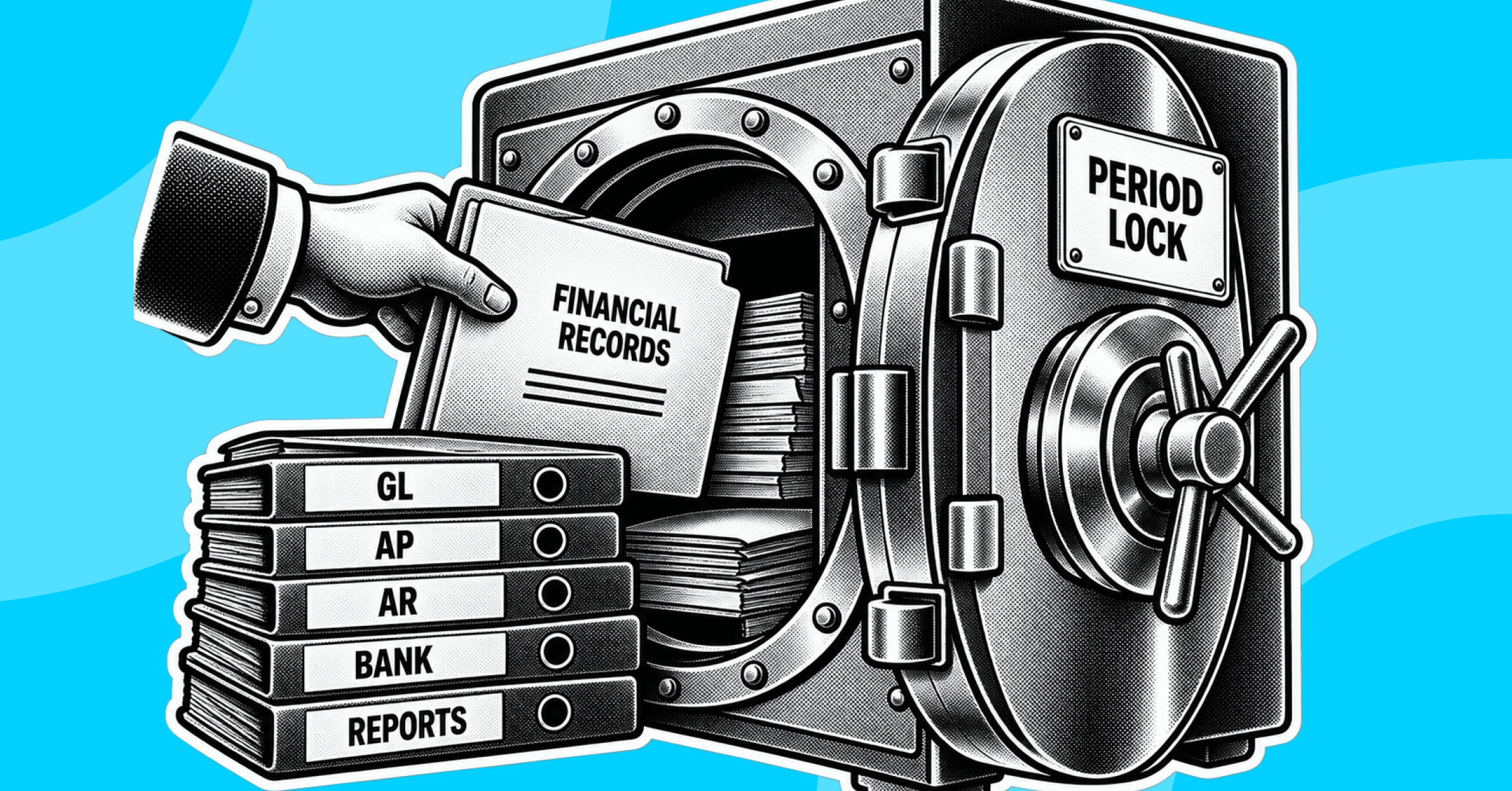
☐ Lock the accounting period to prevent retroactive changes.
Why This Matters: This step is where segregation of duties actually gets enforced, and it's the step most likely to get compressed when close is running late. Per Cornell University's summary of the COSO internal control framework, independent review is one of the core control activities that separates a documented reconciliation from an auditable one; without it, a preparer's own error has no second check before the numbers become final. Locking the period afterward is what actually prevents a "reconciled" account from being quietly edited after the fact.
A worked example: a mid-market ecommerce company reconciling three bank accounts, one AR control account, one AP control account, inventory, and a fixed asset register each closes on a 5-business-day cycle. Cash reconciles by day 1, since bank feeds are same-day. AR and AP reconcile by day 2, once cash application and vendor statement matching are done. Inventory count and fixed asset updates run in parallel and finish by day 3. Every exception gets documented and routed for review by day 4, and the controller signs off and locks the period by day 5. Any category that slips a day pushes the sign-off, and the lock, back by the same amount.
Operational Benefits for Finance Teams
Controllers get a single, repeatable structure to review before signing off on a period, instead of re-deciding what "done" looks like every close. That consistency is what makes an audit trail defensible: an auditor can trace the same four categories, in the same order, across every period.
AR and AP managers get a checklist that separates their reconciliation work from the rest of the close, so they can finish their categories independently and flag exceptions early instead of discovering a mismatch during the final review.
Shared services and GCC teams running this checklist across multiple entities get a standardized process that doesn't depend on who's running it. When Bluecopa's Samyx Recon engine automates the matching inside Steps 1 through 3, at 97-99% accuracy across 5M+ records per hour, the checklist stops being a list of manual tasks and becomes a set of exceptions to review, which is the same checklist doing meaningfully less manual work per period. Samyx Build applies policy-as-code controls to Step 4 specifically, enforcing approval thresholds and segregation of duties automatically rather than relying on someone remembering to route the right item for review.
Bluecopa customer Yatra used this kind of automated reconciliation to cut AR reconciliation time 7x and close month-end 90% faster, while HackerEarth reduced reconciliation errors by 60%. Those are the same four checklist categories above; the difference is how much of each step still requires a person.
Bluecopa fits mid-market to enterprise finance teams running multiple entities, multiple ERPs, or high transaction volume, where the manual version of this checklist is the bottleneck. It's a better fit for a shared services team reconciling across ten entities than for a single-entity small business with a simple ledger.
Where this shows up in practice: a controller replacing a spreadsheet-based version of this exact checklist with automated matching, covered in account reconciliation software, and a shared services team standardizing this checklist across ERPs and entities, per reconciliation automation. The same underlying controls extend to Step 4's review and sign-off requirements and to intercompany reconciliation across multiple legal entities.
Conclusion
An account reconciliation checklist only does its job if it runs the same way every period, cash and bank, AR and AP, balance sheet and operations, then review and close, with every exception documented and every period locked after sign-off. The manual version of this checklist works until transaction volume or entity count outgrows it; at that point, the fix isn't a longer checklist, it's automating the matching inside the one you already have. Teams evaluating that next step can book a demo to see how Bluecopa automates this checklist end to end.
Frequently Asked Questions
1. What is an account reconciliation checklist?
It's a structured list of steps confirming cash, AR, AP, and balance sheet accounts match their supporting records before a period closes.
2. How is an account reconciliation checklist different from a month-end close checklist?
A close checklist covers the entire close calendar; an account reconciliation checklist is one input focused specifically on tying out account balances.
3. How many steps should an account reconciliation checklist have?
Most teams group it into four categories: cash and bank, AR and AP, balance sheet and operations, and review and close.
4. Who should sign off on an account reconciliation checklist?
An independent manager or controller who didn't prepare the reconciliation, to preserve segregation of duties.
5. Can an account reconciliation checklist be automated?
Yes. Matching steps in cash, AR, AP, and balance sheet accounts automate well; documentation and final sign-off still need human review.
6. Does this checklist change for multi-entity organizations?
The categories stay the same, but multi-entity teams run the checklist once per entity and then reconcile intercompany balances across entities on top of it.